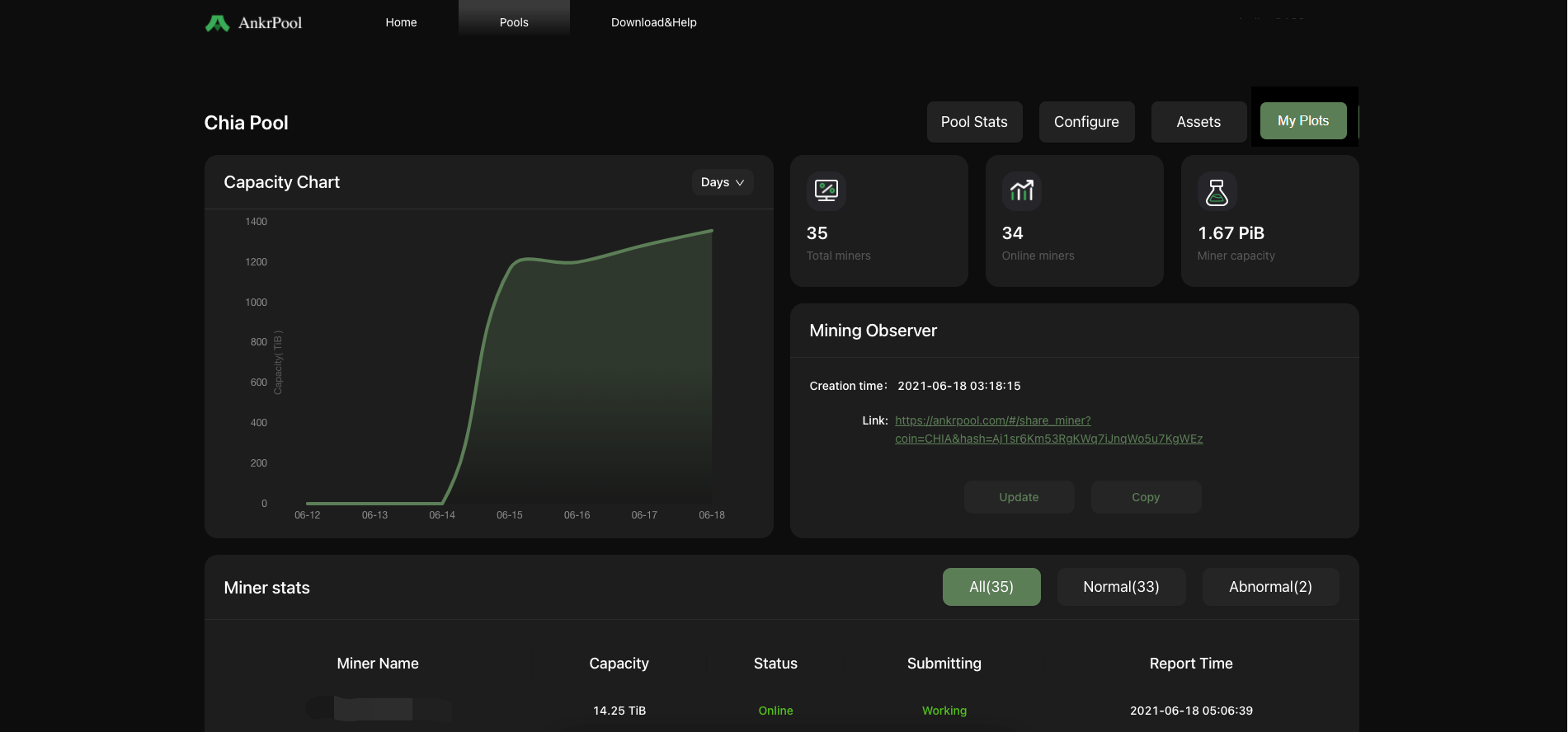
Overview for Farming with AnkrPool
I. Overview for Farming with AnkrPool
Operating systems: Windows/Linux/MacOS;
Farming software: AnkrPlot
Steps to mine**:
a. Install Chia Blockchain and create your private key for your Chia wallet.
b. Install Chia-signer and enter your created private key.
c. Add a plot
d. Bind data.
e. Install Chia-Plot to access AnkrPool.
II. Install Chia Blockchain and create your private key
\1. Visit Chia website (https://www.chia.net/) to install Chia Blockchain.
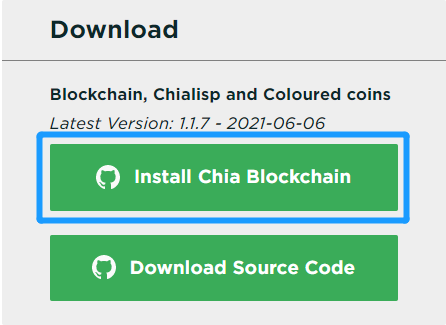
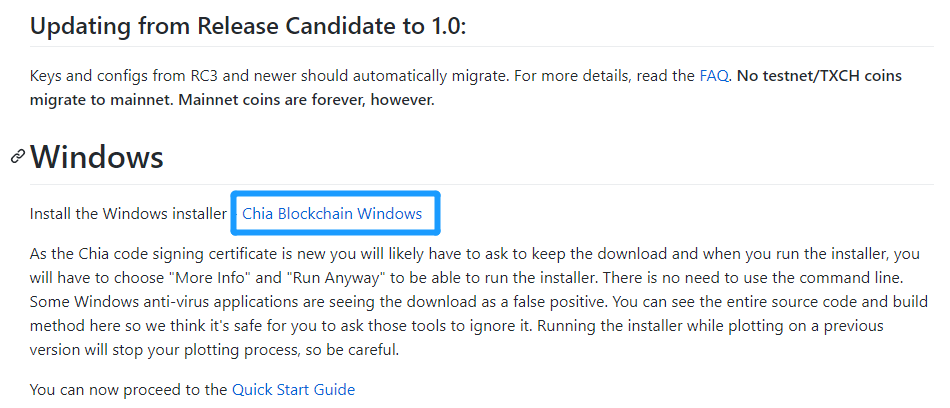
Or you can also install it on github: https://github.com/Chia-Network/chia-blockchain/wiki/INSTALL#Windows
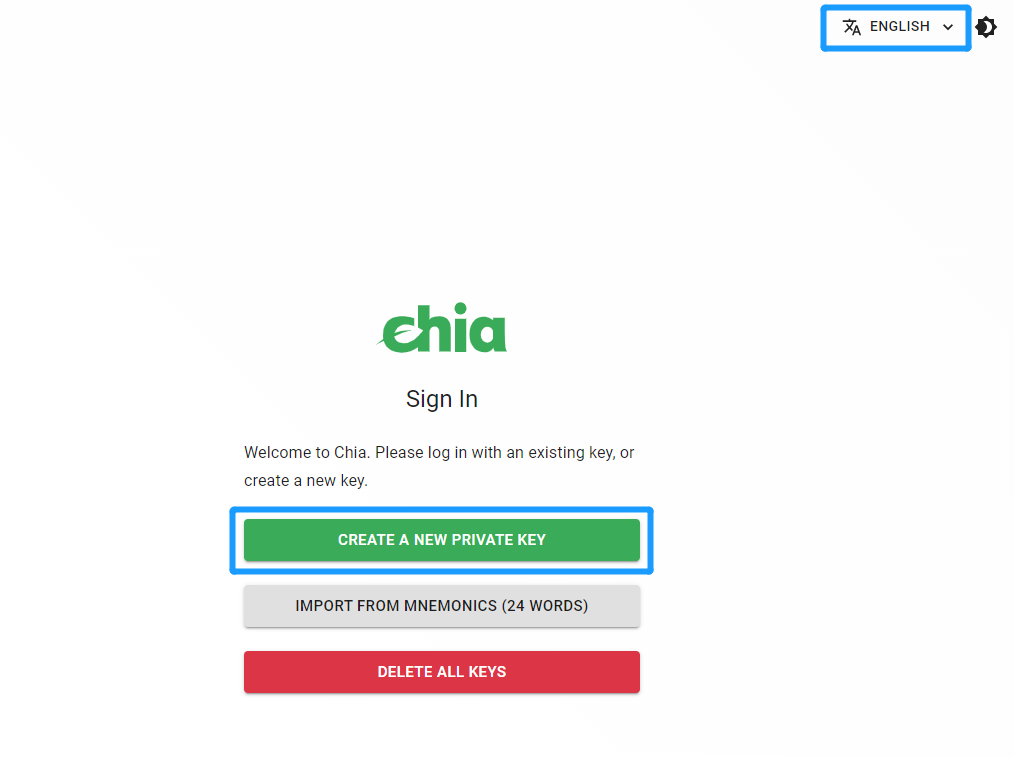
\2. Once downloaded, open it to set your preferred language, then create a new private key.
\3. The 24 words generated are your seed phrase, which you will need to recover your wallet. Please keep them safe!
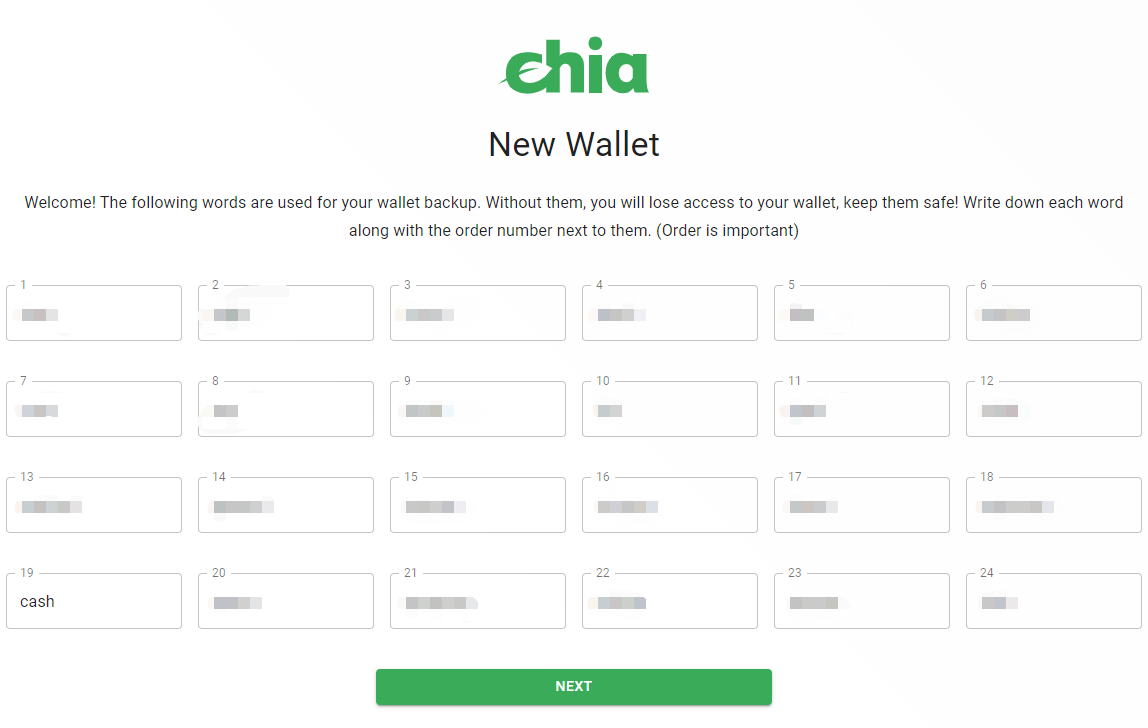
III. Install Chia-signer and enter your created private key
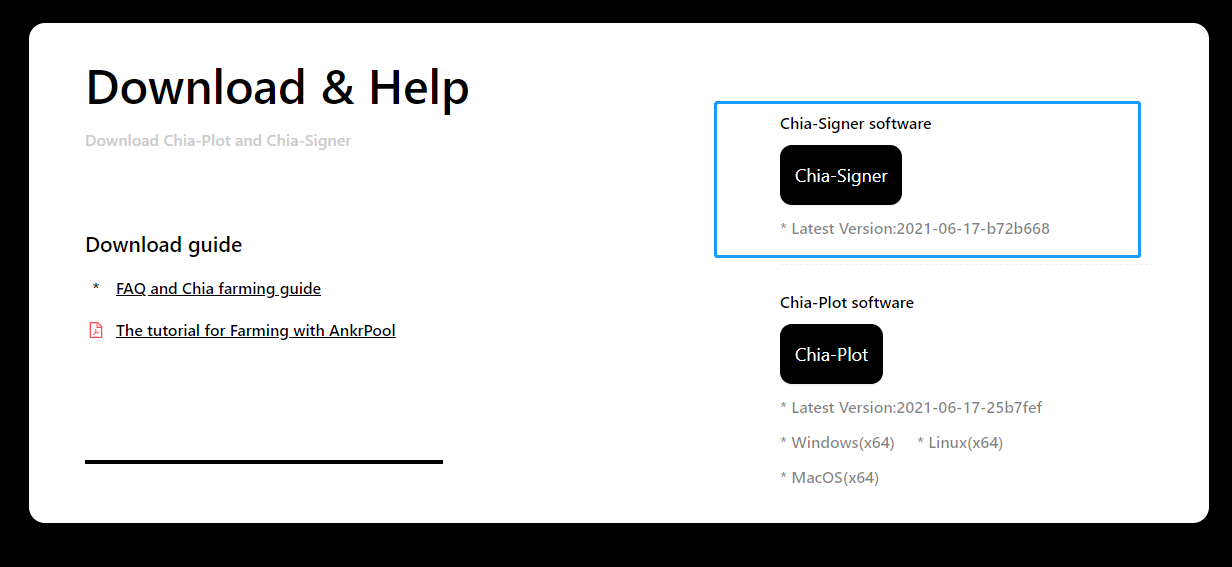
\1. Navigate to Download&Help, then install Chia-Signer.
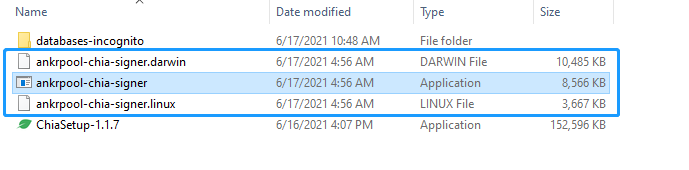
\2. Unzip the file and run the AnkrPool-chia-signer app that suits your operating system.
And put in your secret 24 words with space in between each word, then press "Enter".

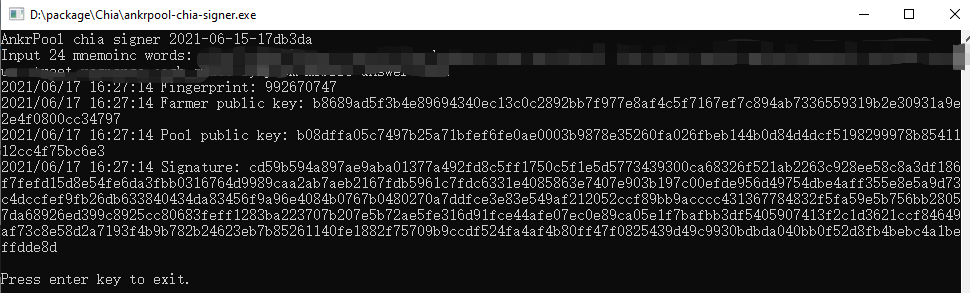
\3. Check if the Fingerprint matches your private key. Then copy your signature for connecting to AnkrPool later.
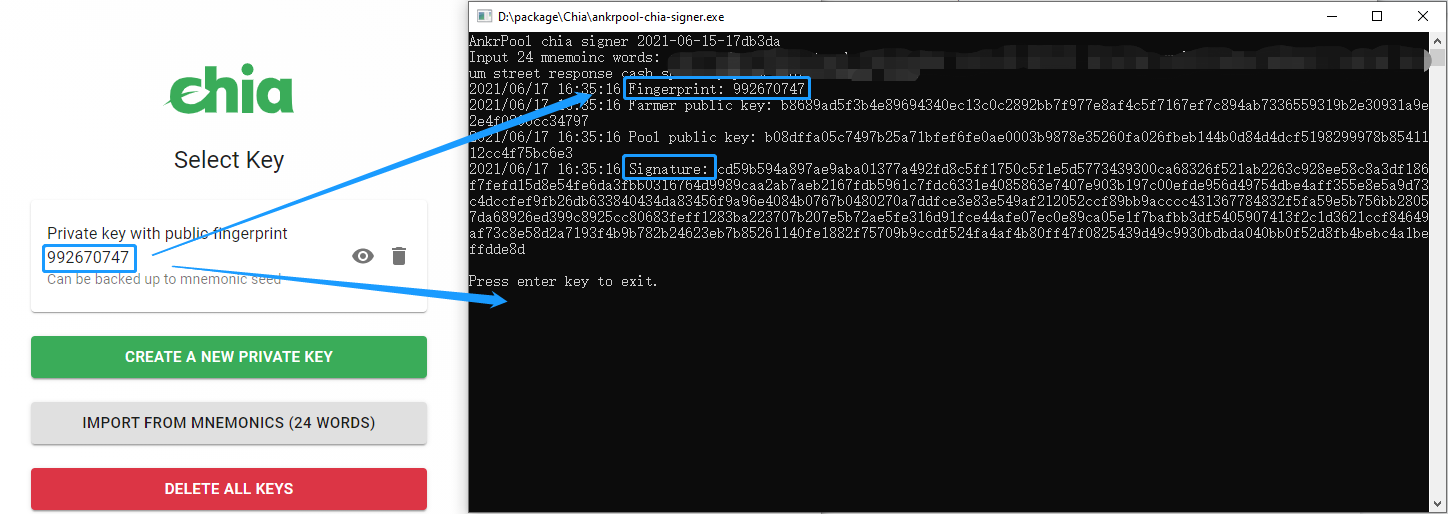
*Only your signature is needed to connect your device to AnkrPool. Your private key and seed phrase will not be accessed at any time. Also, Chia-Signer can be run to generate your signature even when you are offline.
IV. Add a plot
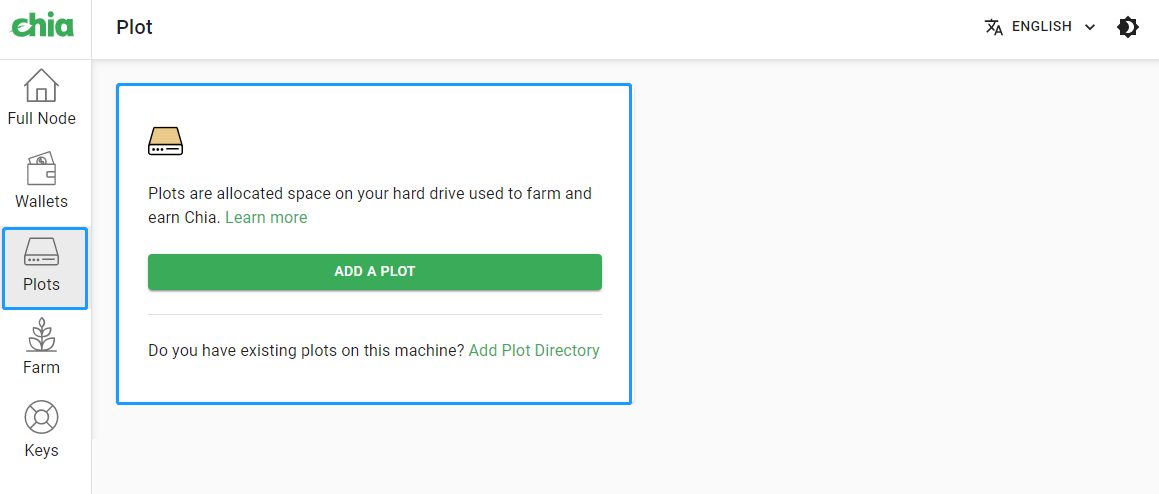
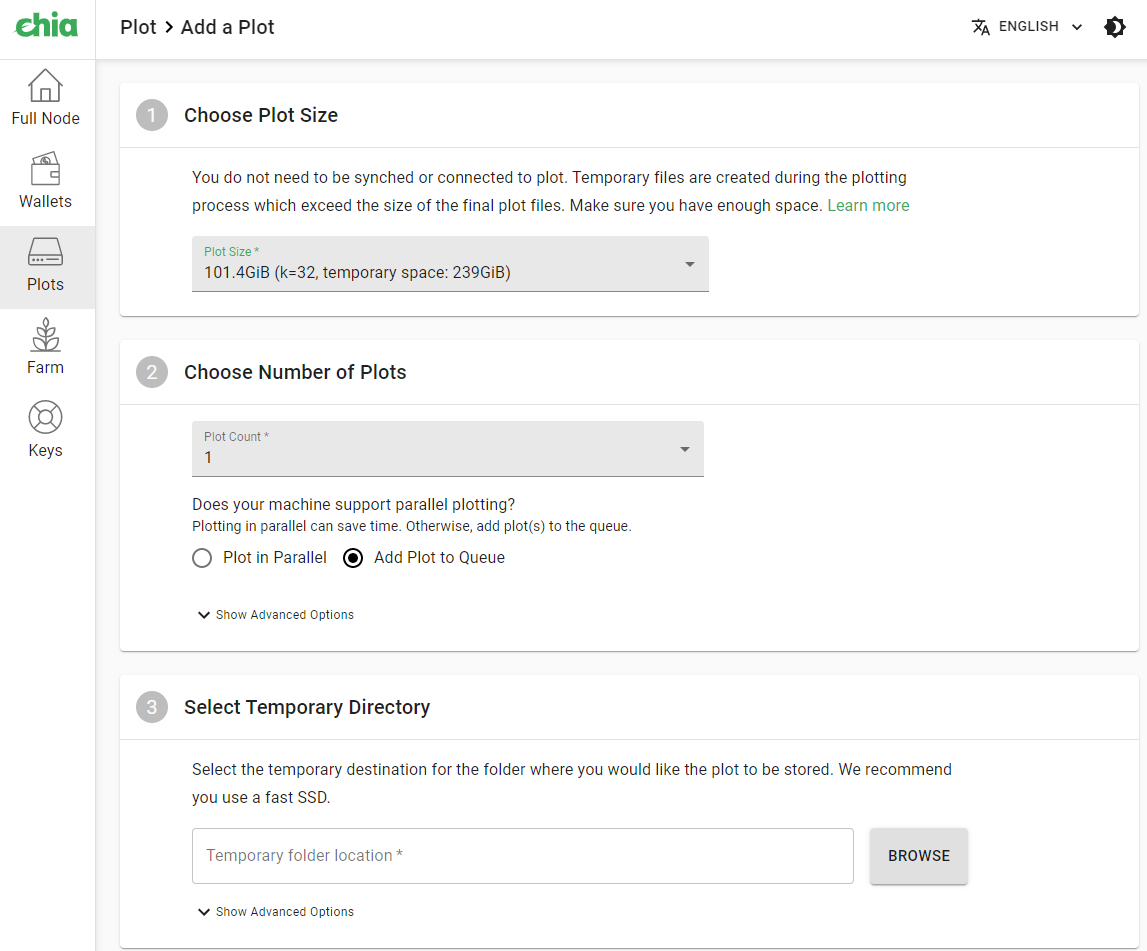
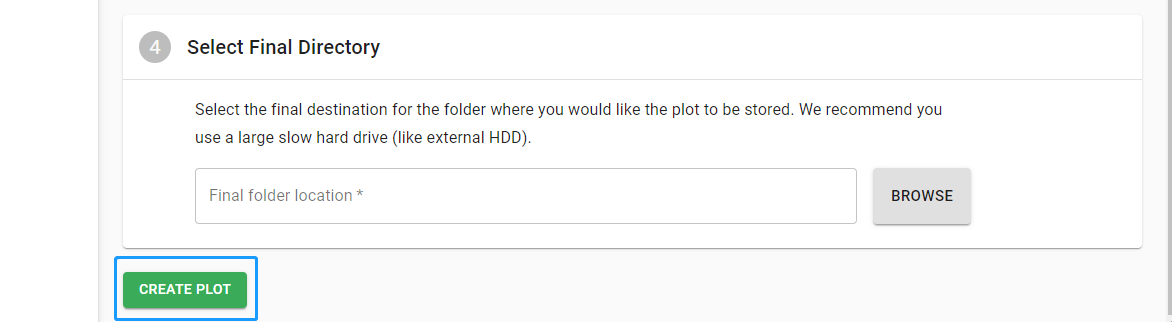
Log in Chia wallet and navigate to "Plots" to add a plot.
V. Bind data
\1. Go to the "Configure" page, paste your signature in the "Binding Date" field, then click "Apply".
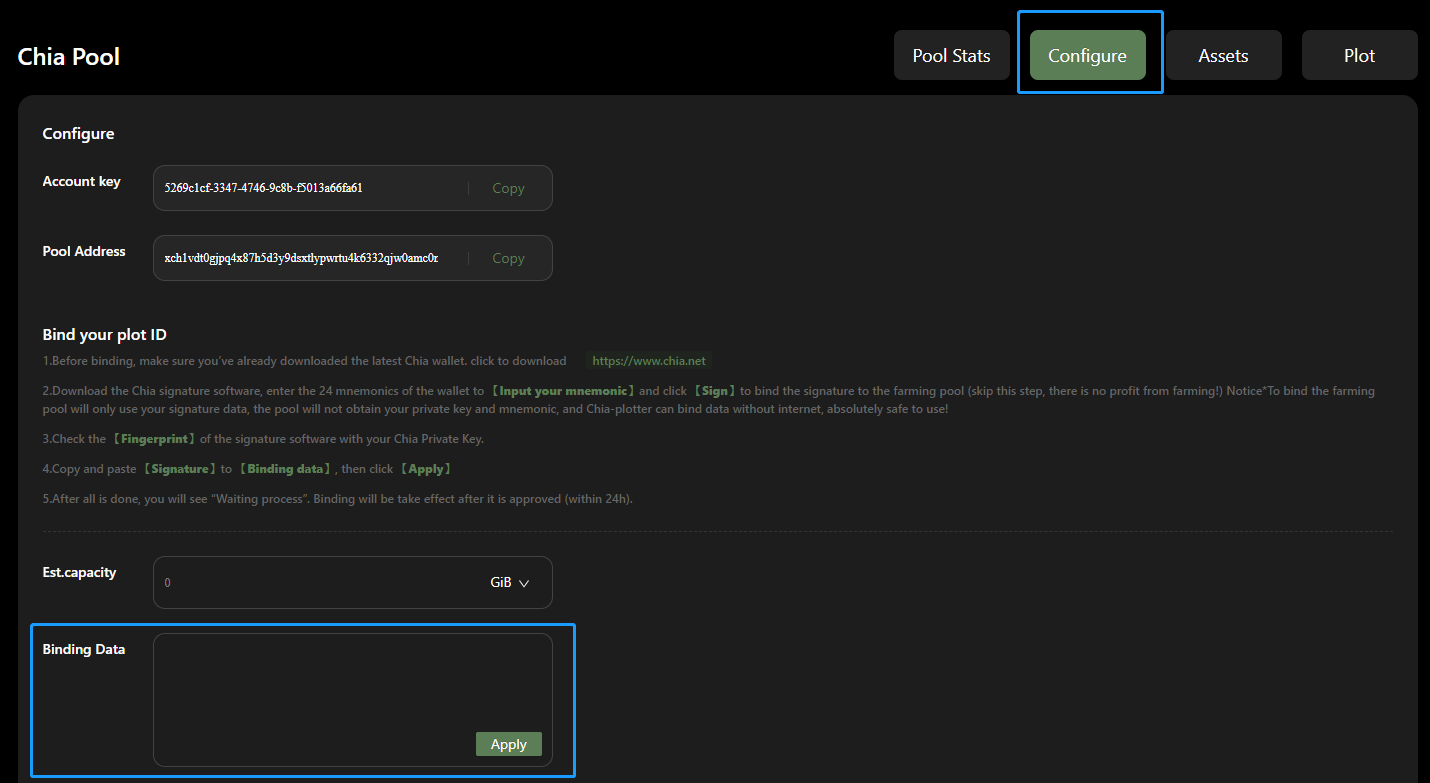
\2. When binding is done, you will find your plotter ID below:

VI. Install Chia-Miner to access the pool.
\1. Navigate to Download&Help, then install Chia-Miner.
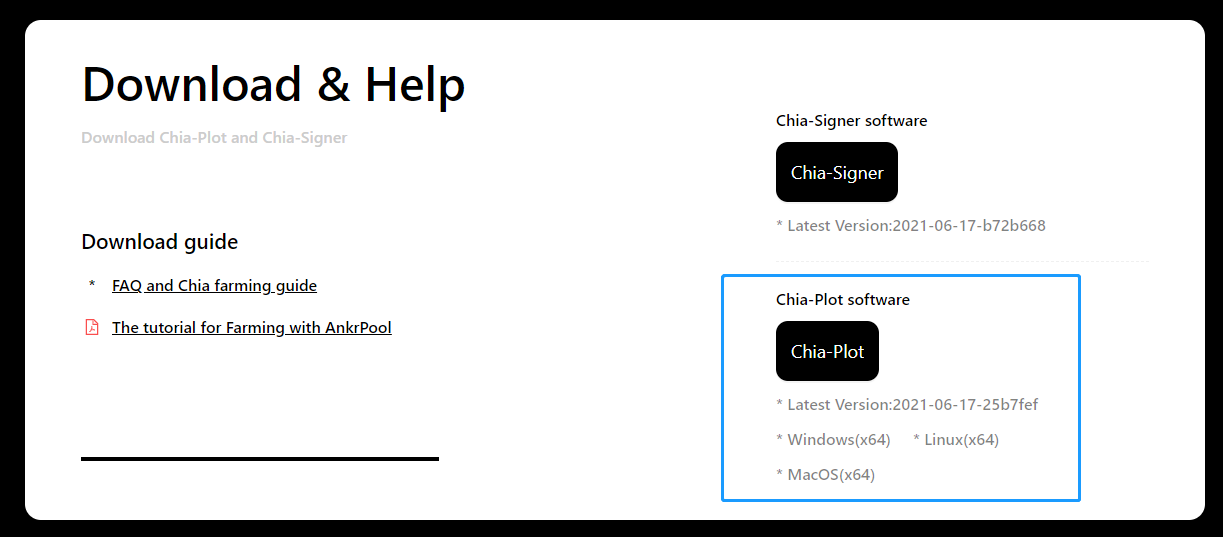
\2. Find config.toml and open it with your notepad.
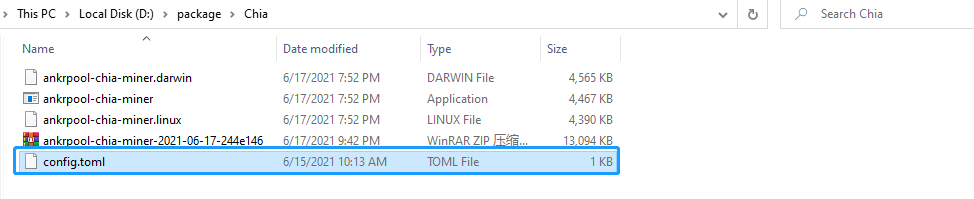
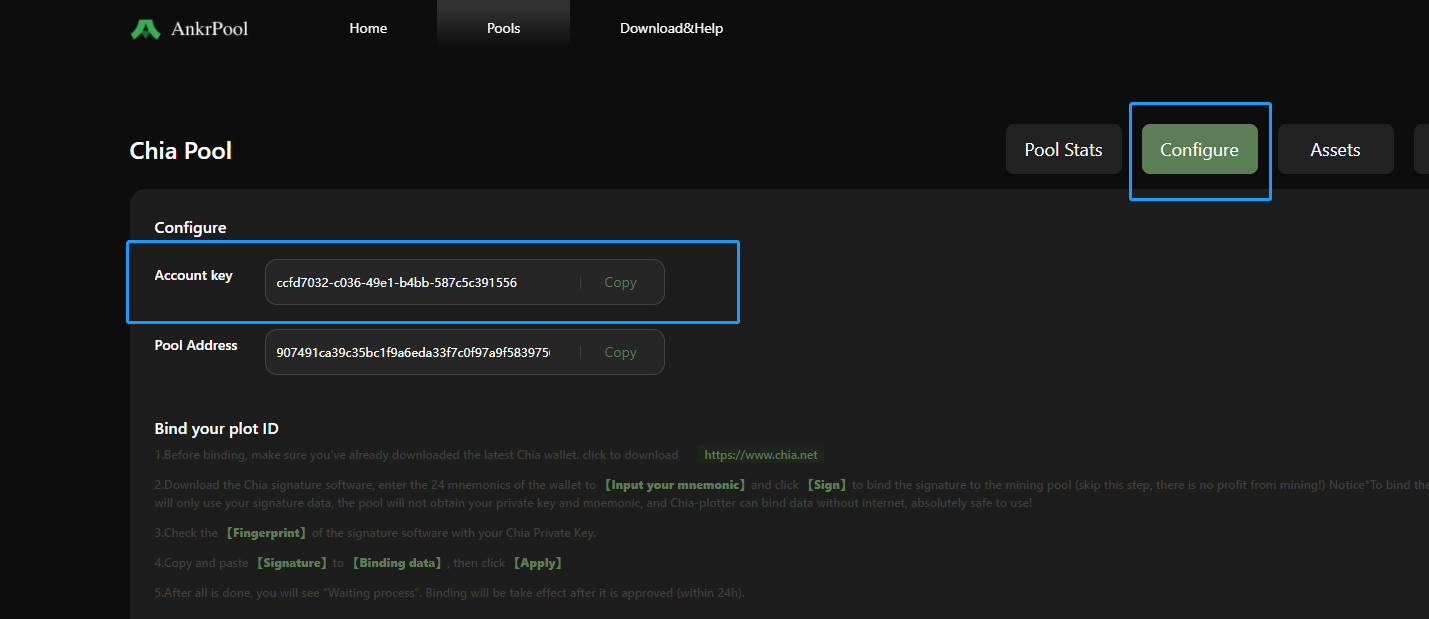
\3. Copy your account key as shown on the "Configure" page and paste it into the config.toml file.
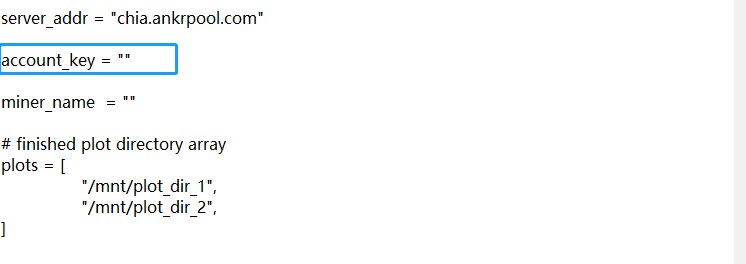
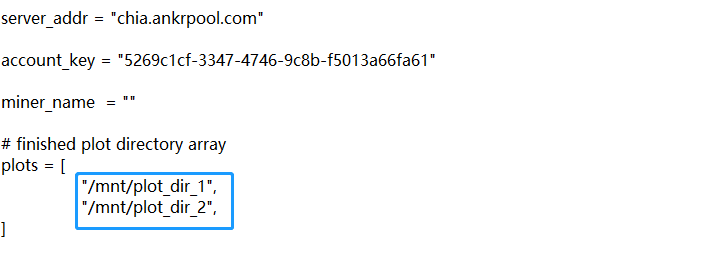
\4. Change the plots path to your preferred one, then save the file.
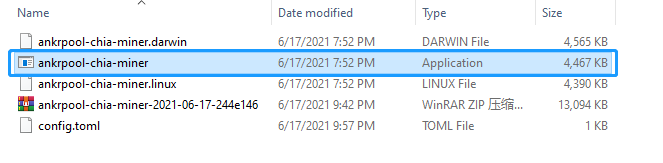
\5. Run the AnkrPool-chia-miner app that suits your operating system.
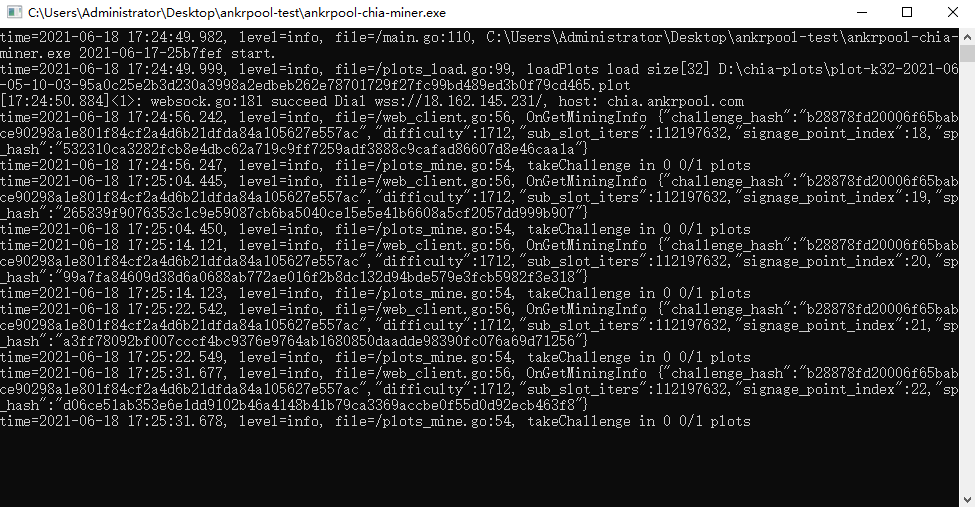
\6. You should able to see things running after you successfully ran the miner app.
*Don't close the miner app when you are mining.
\7. You can see how your miner is doing by going to the "My Plots" page.